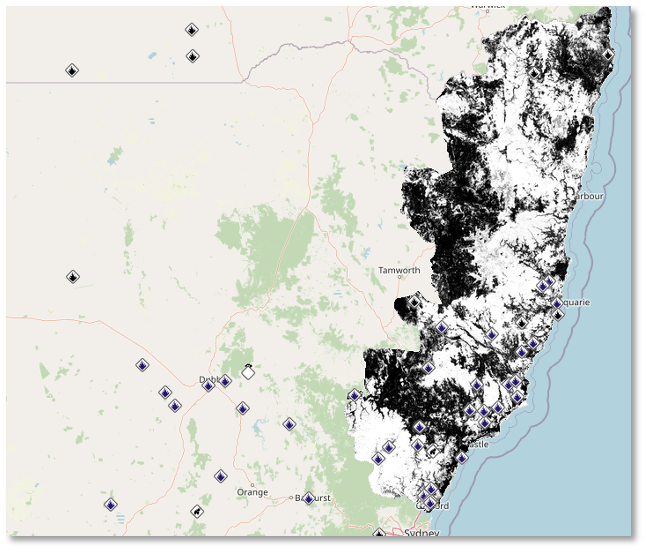
Overview
Shared Overlays or GeoPDF overlays is a world-leading capability within FireMapper that allows you
to overlay georeferenced PDFs on top of the map:
These overlays are visible to any user of the Portal Map or in FireMapper Enterprise.
To get started, simply drag and drop a georeferenced PDF into the portal map. If the file is a valid
GeoPDF you will see a preview overlay on the map:
Click ‘Start Upload’ and wait until you see “Processing file. You may now close this tab.”. The
overlay will take a few minutes to process and you will be alerted via email when it’s ready. To view
the overlay, navigate to the “Layers” tab, scroll down to “Shared Overlays” and click the overlay
you wish to view.
You can toggle the overlay on and off by clicking the panel. You can also adjust the opacity of
the overlay with the slider control (after clicking the spanner icon).
Should you have any issues uploading the GeoPDF, you can contact support@firemapper.app. If you
are able to share the GeoPDF file with us, our technical team will help to upload it for you.
GeoTIFF Support
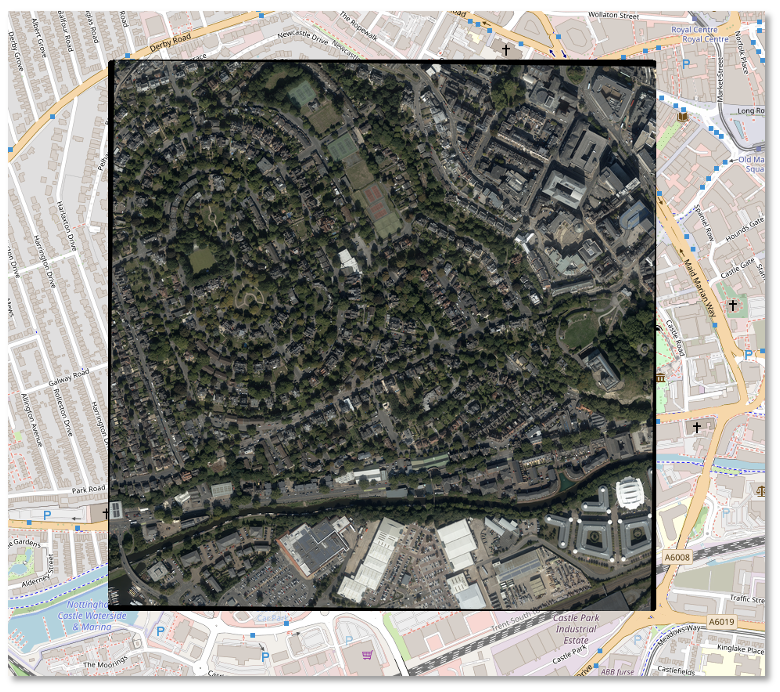
Similar to GeoPDF overlays, you can overlay multiple GeoTIFF files onto Shared Maps in the Portal.
These can also be toggled on and off, or deleted via the Portal.
To import a GeoTIFF file onto your map, you can select Edit, followed by the Add File button. Once
the file upload has been completed, your GeoTIFF file will be visible as an overlay.
Please note that the file size cannot exceed 1GB.